Rename Before Dash
This script renames the selected file by keeping only the part of the file name before the first dash (-) and preserving the original extension.
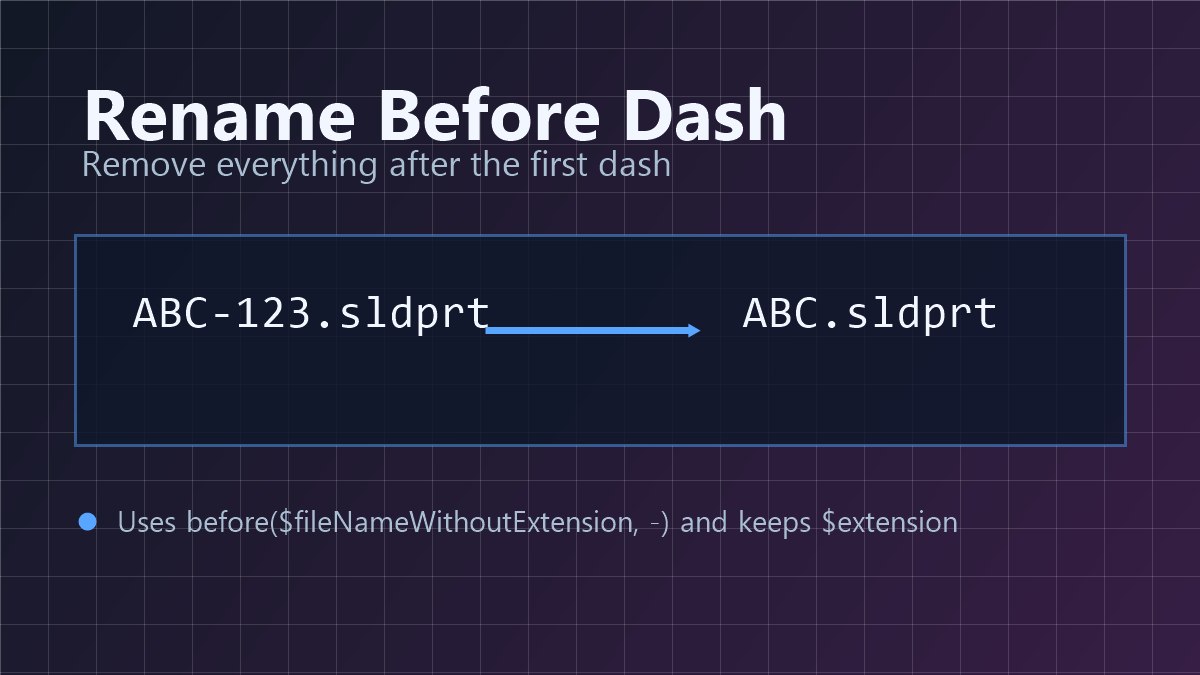
For example, a file named ABC-123.sldprt becomes ABC.sldprt.
Tip
You can download this script directly from the PDMShell Script Library. Open PDMShell, open the Script Library, choose Rename Before Dash, and load the script into the active session.
This script does not use a SOLIDWORKS macro.
Script
rename -filePath "$localPath" -value "${before($fileNameWithoutExtension,-)}$extension"
msgbox -value "Rename complete" -title "Rename Script" -icon "Information"
What it does
- Uses
$localPathas the selected file path. - Uses
${before($fileNameWithoutExtension,-)}to keep only the text before the first dash. - Adds
$extensionback so the renamed file keeps its original extension. - Shows a confirmation message when the rename completes.
Requirements
- PDMShell must already be logged in to the correct vault.
- The script must run with a file context, such as from the PDMShell add-in or another command that supplies
$localPath. - The user must have permission to rename the selected file.
Add-In Note
If you run this from the PDMShell add-in, add quit -silent as the last line so the background PDMShell session exits after the script runs:
quit -silent
Save And Run
Save the script with the .pdmshell extension, for example:
C:\PDMShellScripts\renamebeforedash.pdmshell
You can run it from PDMShell with:
runscript -source "C:\PDMShellScripts\renamebeforedash.pdmshell"