Save And Open Visual Scripts
Visual scripts use the .pdmshell extension.
When you save a visual script, PDMShell stores:
- The PDMShell script text.
- The visual workflow layout.
- Action positions and connections.
- Command settings used by each action.
This lets you reopen the script later with the workflow restored, not just the generated command text.
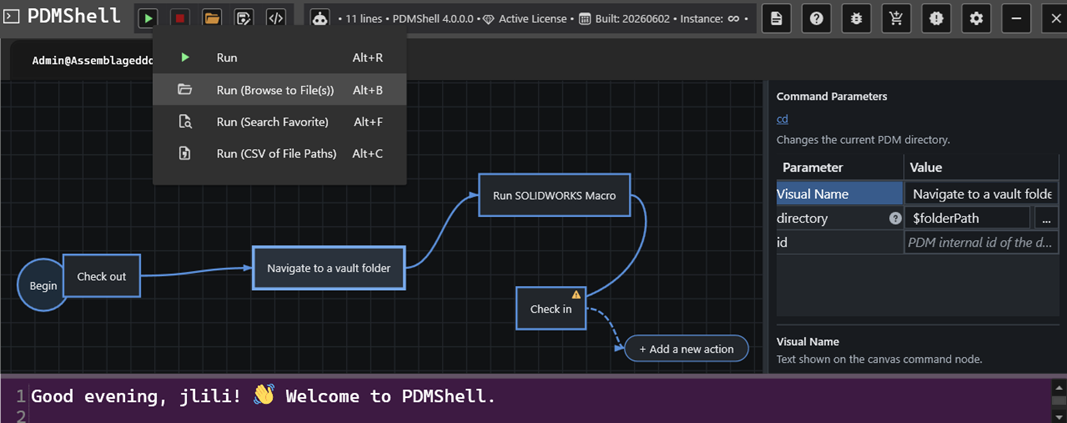
Save
Use Save when the script already has a file path. PDMShell updates the existing .pdmshell file.
Save As
Use Save As when you want to save a copy or choose a new file path.
This is helpful when creating a new workflow from an existing one.
Open Existing Scripts
Older .pdmshell files that contain only script text can still be opened. Newer visual scripts may include additional stored workflow information so the visual layout can be restored.
Unsaved Changes
If a script has unsaved changes and you close PDMShell, the application prompts you before closing.
This helps prevent losing work while building longer workflows.
Script Library
The Script Library can download ready-to-use PDMShell scripts and any required SOLIDWORKS macros.
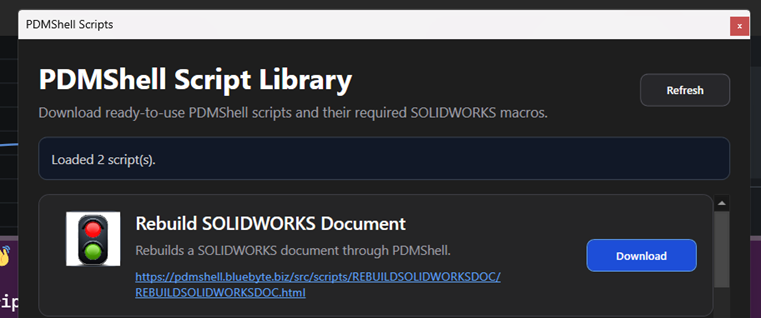
Downloaded PDMShell scripts are saved to the Downloads folder. Macro files are saved to the evaluated temp folder.