Offline Activation
Use offline activation when the computer running PDMShell cannot connect to the internet. PDMShell creates an encrypted request file that you email to Blue Byte Systems. Blue Byte Systems processes the request and sends back an encrypted response file that you import on the same computer.
Note
Offline activation is intended for air-gapped or restricted systems. If the computer has internet access, use the regular License Activation workflow.
Open Offline Activation
- Open PDMShell.
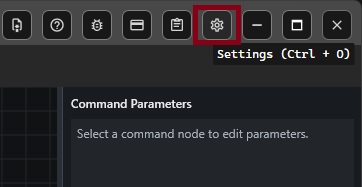
- Select
Settingson the toolbar or pressCtrl + O. - Select
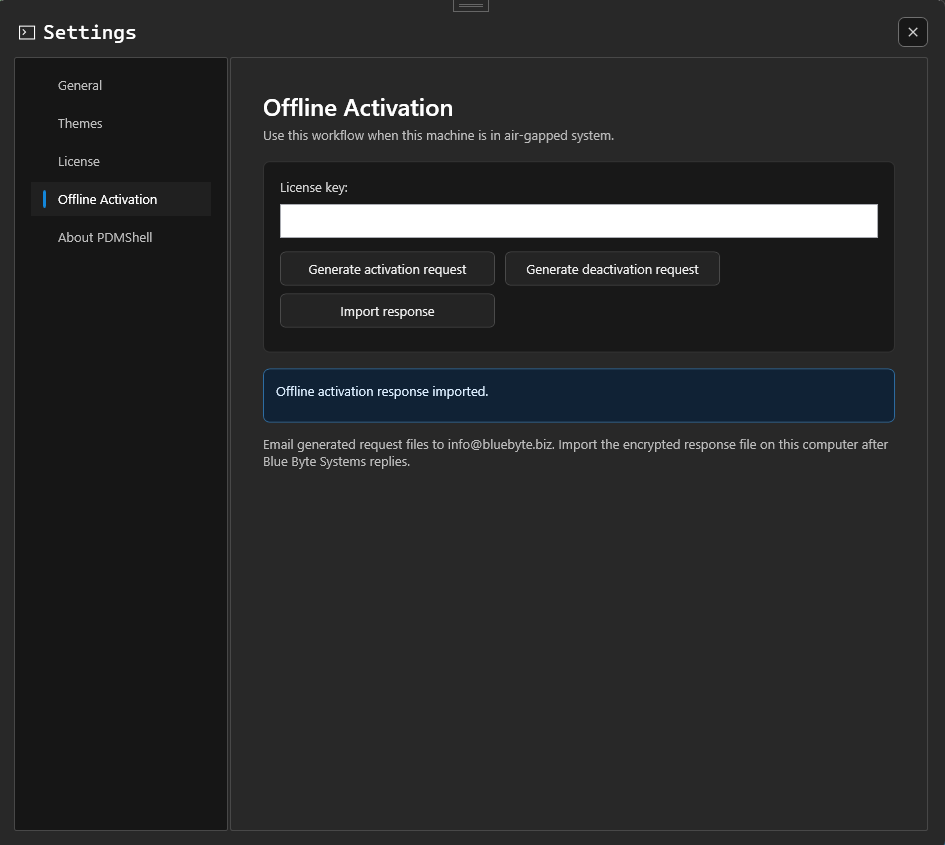
Offline Activation. - Enter your PDMShell license key.
Generate An Activation Request
- Enter the license key on the
Offline Activationpage. - Select
Generate activation request. - Save the generated
.pdmshellreqfile. - Email the
.pdmshellreqfile toinfo@bluebyte.biz.
You can use any email subject or message body. The important part is attaching the generated .pdmshellreq file.
Generate A Deactivation Request
Use this workflow when you need to release a license from an air-gapped computer.
- Enter the license key on the
Offline Activationpage. - Select
Generate deactivation request. - Save the generated
.pdmshellreqfile. - Email the
.pdmshellreqfile toinfo@bluebyte.biz.
Receive The Response
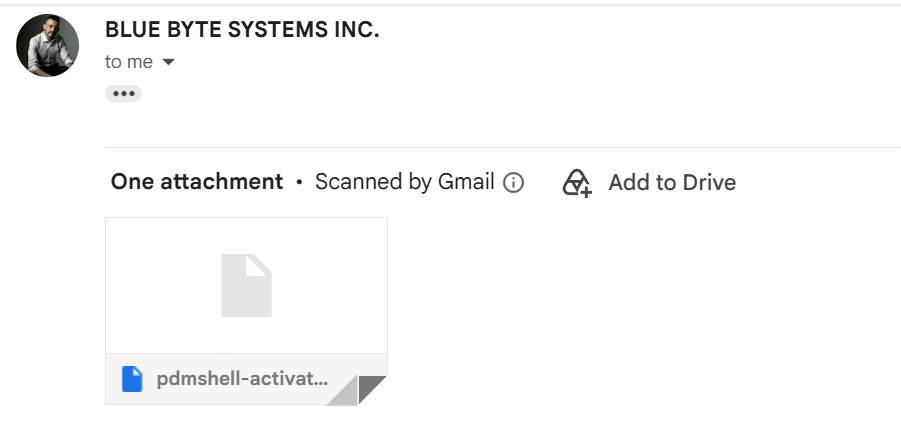
Blue Byte Systems will process the request and email back an encrypted .pdmshelllic response file.
The reply will come from a Blue Byte Systems email address using one of these domains:
bluebyte.bizbluebytesystems.com
The response email includes one attachment. Download the .pdmshelllic file and move it back to the air-gapped computer.
Import The Response
- Return to the same computer that generated the request.
- Open PDMShell.
- Open
Settings. - Select
Offline Activation. - Select
Import response. - Choose the
.pdmshelllicfile you received from Blue Byte Systems.
PDMShell imports the encrypted response and updates the local license status.
Important
After the response imports successfully, restart PDMShell so the activated license is fully applied to the current session.
Important Notes
- Import the response on the same computer that generated the request.
- Do not edit the
.pdmshellreqor.pdmshelllicfiles. - The request and response files are encrypted.
- If the license is already active on another computer, the response may report that the license is already in use.
- If the response fails to import, contact Blue Byte Systems support and include the request file name and any message shown by PDMShell.